
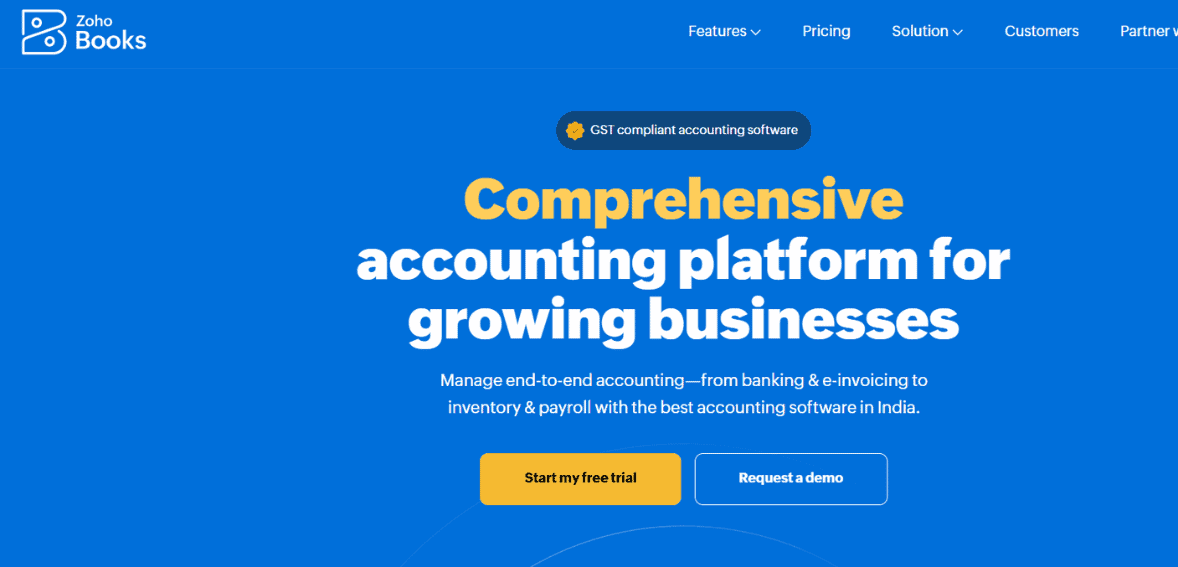
Zoho Books is a cloud based accounting software for small and medium sized businesses that want a comprehensive yet affordable way to manage their finances. Developed by Zoho Corporation, it is part of the larger Zoho suite which includes CRM, HR and productivity applications. This makes Zoho Books especially attractive to businesses already using Zoho products but it also works as a standalone accounting software. The software simplifies financial management with automation, invoicing and compliance features at a price point that is generally considered competitive to some of the big players in the space. Lets read more about Zoho Books Review.
What sets Zoho Books apart is its focus on usability and integration. It has all the core features businesses expect from accounting software like expense management, bank reconciliation and reporting and additional features like project tracking and tax compliance. This breadth of features makes it suitable for many industries but it is particularly popular among freelancers, startups and growing businesses that want to streamline their financial processes without investing in complex enterprise systems.
Zoho Books may not have the same brand recognition as QuickBooks or Xero but it has built a reputation as a reliable and affordable alternative. Its ease of use, scalability and automation capabilities makes it worth considering for any business looking at accounting software. But you should weigh its limitations like accountant familiarity and regional availability of some features against its many strengths before you decide.
User Interface and Ease of Use | Zoho Books Review
Zoho Books is designed to be simple without sacrificing functionality. As soon as you log in, the dashboard shows you income, expenses, outstanding invoices and cash flow. The side bar has banking, reporting and invoicing always within reach. This makes it easy to get started, especially for small business owners who may not have an accounting background.
Setting up Zoho Books is a breeze with guided steps to import existing data, connect bank accounts and configure tax settings. The software also has sample transactions and tutorials to help new users get started. Unlike traditional accounting systems that feel rigid, Zoho Books uses modern design principles to make managing finances less scary.
But simplicity doesn’t mean advanced users will be disappointed. Power users can use customization options like automated workflows, invoice templates and multi user permissions. The balance between being beginner friendly and advanced configuration is one of Zoho Books’ strengths.
However some users have noted that the number of features can feel overwhelming. While the interface is clean, navigating through all the settings and integrations takes a bit of time. But once you get used to it, most users find Zoho Books easy to use on a daily basis making it a strong contender in the small business accounting software space.
Invoicing Capabilities
Zoho Books has a great invoicing system where you can create professional invoices with minimal effort. You can customize templates with your logo, colors and branding elements so that the invoices look like your company. The process of creating an invoice is streamlined with fields for client details, services or products, taxes and payment terms. You can also set recurring invoices which is very useful for subscription based services or clients who are billed on a regular schedule.
One of the best features is the automatic payment reminders. This reduces the time spent on chasing late payments and improves cash flow. Zoho Books also integrates with multiple payment gateways so clients can pay directly through links in the invoices. This shortens the payment cycle and makes it a smooth experience for both parties. Another good feature is multi-currency invoicing. If you have international clients, Zoho Books will automatically adjust for currency conversion and exchange rates so you don’t have to do it manually and reduce errors.
On the downside, some of the advanced customization features that larger companies may need like highly customized invoice workflows or deep industry specific billing requirements may not be as strong as dedicated billing platforms. Also while invoice tracking and reminders are good, companies that need very detailed contract based billing may find some limitations. Overall, for most small to mid-sized businesses, the invoicing features are more than sufficient. They combine professionalism, automation, and ease of use in a way that aligns well with the needs of growing companies.
Expense Tracking and Management
Expenses are a big part of business accounting and Zoho Books has got you covered. You can record and categorize expenses, assign to projects or link to clients when billable. This gives you a clear picture of where your money is going and helps you analyze your cost structure.
One of the coolest features is receipt scanning. With the mobile app you can snap photos of receipts and they will be automatically uploaded and categorized in the system. No more manual data entry and no expense goes unrecorded. You can also import bank statements and match transactions with expense records for a seamless reconciliation.
Expense reports can be generated with filters like date range, categories or vendors so you can see patterns in your spending. The system also has approval workflows so expenses go through the proper channels before being finalized. But some businesses with more complex procurement needs or highly detailed approval structures may find Zoho Books’ expense management a bit basic. For most small and medium sized businesses though, the balance is just right.
The ability to track expenses in real time and integrate them with project billing and client invoicing adds significant value. It reduces the risk of overlooked costs and contributes to more accurate financial reporting. Overall, Zoho Books handles expense tracking efficiently, making it a practical choice for businesses seeking clarity and control over their spending.
Banking and Reconciliation Tools
Zoho Books has banking integration which is a must have for businesses that need to keep their financial records accurate and up to date. You can connect your bank accounts directly to the software and import transactions automatically. This saves time and reduces manual entry errors.
Reconciliation in Zoho Books is easy. The system suggests matches between imported bank transactions and recorded entries which speeds up the review process. For example if a client has already been logged as an invoice, Zoho Books can match it with the corresponding bank deposit. This makes the reconciliation process smooth and accurate.
You can also categorize recurring transactions which makes it easier to maintain consistency. You can set custom rules for specific vendors or payment types which adds another layer of automation. This helps businesses to keep their accounts balanced and avoid discrepancies that can mess up their financial statements.
However, while the tools are good for small to medium businesses, businesses with multiple complex accounts or high transaction volume might find the process slower than specialized reconciliation software. Some regional banks also may not integrate seamlessly and you may have to do manual imports.
Despite these minor drawbacks, Zoho Books’ banking and reconciliation features are strong overall. They simplify one of the most tedious aspects of financial management, providing clarity into cash flow while ensuring that records align closely with actual bank activity. This makes financial reporting and compliance easier for business owners and accountants alike.
Project and Time Tracking Features
Zoho Books has project and time tracking tools that tie financial management to project management. Users can create projects, assign tasks and track time spent by team members. Billable hours can be logged into the system and linked to invoices so clients are billed accurately for the work done.
This is super useful for service based businesses like consultancies, marketing agencies and freelancers. Instead of using separate tools for time tracking and billing, Zoho Books has consolidated these into one system so you don’t need integrations or duplicate data entry. You can set budgets for projects, monitor progress and compare actual time spent to planned hours. This visibility helps you identify overruns early and manage resources better. Team members can log hours directly via the mobile app which is great for remote or on-the-go workforces.
Downside is the project management capabilities are lightweight compared to dedicated project management tools. While good for time tracking and billing, if you need advanced features like Gantt charts, resource planning or detailed task dependencies you may need to integrate with specialized tools. But Zoho Books does a good job of bridging financial management and project billing. If you prioritize accurate time tracking and simple client billing, it’s a practical solution that doesn’t overwhelm you with too many tools.
Tax Management and Compliance
Tax compliance can be a complicated and stressful area for businesses, but Zoho Books provides tools designed to make the process more manageable. The software supports multiple tax systems, including GST, VAT, and sales tax, depending on regional requirements. Users can set up tax rates, apply them automatically to invoices and expenses, and generate tax reports when needed.
For businesses operating in countries with specific tax filing requirements, Zoho Books offers pre-configured settings. For example, in India, the platform supports GST compliance with features like automatic tax calculations and filing support. Similarly, in other regions, VAT compliance is built into the system. This reduces the manual effort required to ensure that financial records align with regulatory standards.
Another benefit is the ability to apply multiple taxes to a single transaction, which is particularly useful in regions with layered tax systems. Tax reports can be generated quickly, giving businesses an overview of their tax liabilities and helping them prepare for filing deadlines. The limitations come primarily in terms of global coverage. While Zoho Books is expanding its tax compliance support across regions, some countries may not have localized features, requiring businesses to make manual adjustments or consult external accountants.
Despite these limitations, the tax management features are sufficient for most small and medium businesses. By automating calculations, applying taxes consistently, and producing clear reports, Zoho Books reduces the risk of errors and non-compliance, allowing businesses to focus on operations rather than administrative burdens.
Multi-Currency and Global Business Support
In today’s global economy, many small and medium businesses work with international clients and suppliers. Zoho Books accommodates this need with built-in multi-currency support. Users can create invoices, track expenses, and receive payments in different currencies without having to manually calculate exchange rates. The software automatically applies exchange rates, and users can update them as needed to ensure accuracy.
This feature is particularly valuable for companies that frequently transact across borders. It simplifies the accounting process by integrating international transactions directly into the system rather than requiring separate records. Businesses can also view reports in both their home currency and the client’s currency, offering better transparency.
Clients appreciate being billed in their own currency, which often makes payment processes smoother. Zoho Books further strengthens its global usability by integrating with international payment gateways, ensuring that businesses can accept payments worldwide. However, while the multi-currency feature is useful, some businesses may require more advanced tools for managing currency fluctuations or hedging risks, which Zoho Books does not provide. Additionally, tax compliance for international transactions can still vary depending on local regulations, and businesses may need external guidance.
Overall, the multi-currency and global features position Zoho Books as a suitable solution for companies operating in international markets. It reduces the complexity of cross-border financial management and ensures smoother interactions with overseas clients, suppliers, and partners.
Automation and Workflow Customization
Automation is one of Zoho Books’ strongest selling points. The platform offers customizable workflows that allow businesses to automate repetitive tasks. For example, users can set automated payment reminders for overdue invoices, recurring billing for subscription services, and approval flows for expenses. These workflows not only save time but also reduce the risk of human error. A business can create rules that automatically assign categories to expenses, notify managers of large purchases, or trigger follow-up emails to clients. This ensures consistency in processes and improves overall efficiency.
Zoho Books also provides customization options for workflows, allowing businesses to tailor automation to their unique requirements. For example, companies can create triggers based on conditions such as invoice amounts or client types. This flexibility helps businesses scale their operations without significantly increasing administrative overhead.
That said, while automation is robust, setting up complex workflows requires some learning. New users may need to spend extra time understanding how to configure conditions and actions properly. For companies with very unique or highly specialized workflows, Zoho Books may not offer the same depth as enterprise-grade systems.
Nonetheless, for most small and medium businesses, the automation features strike an excellent balance between usability and customization. They simplify day-to-day operations, ensure timely communication with clients, and reduce manual workload, which makes Zoho Books highly effective in streamlining accounting tasks.
Integrations and Ecosystem Compatibility
Zoho Books shines when used within the Zoho ecosystem. It integrates seamlessly with other Zoho applications like Zoho CRM, Zoho Projects, and Zoho Inventory. This makes it easy for businesses already using Zoho to connect their financial management with sales, customer relationships, and operations. The integration helps create a single, unified platform for business management.
Beyond Zoho, the platform also supports a range of third-party integrations. Payment gateways such as Stripe, PayPal, and Authorize.Net are supported, making it easier to collect online payments. Integration with G Suite, Office 365, and other productivity tools enhances collaboration and accessibility. Zoho Books also offers an API for businesses that need custom integrations. This flexibility allows companies to connect their existing systems with Zoho Books, ensuring smooth data flow across platforms.
One limitation, however, is that Zoho Books’ ecosystem, while rich, can sometimes feel restrictive compared to the larger app marketplaces of QuickBooks or Xero. Businesses relying heavily on niche third-party apps may need to do additional configuration or explore workarounds. Still, the integration capabilities are more than sufficient for the majority of businesses, particularly those already invested in the Zoho suite. The combination of native and external integrations ensures that Zoho Books can fit into diverse workflows without disrupting existing processes.
Mobile App and Accessibility
Zoho Books offers dedicated mobile applications for both iOS and Android devices, which extend its accounting capabilities beyond the desktop. The mobile app allows users to create invoices, record expenses, log time for projects, and check reports on the go. This accessibility is especially useful for small business owners or freelancers who need to manage finances while traveling or working outside the office.
The app includes receipt scanning, enabling users to upload expenses directly from their phones. Clients can also be sent invoices via the mobile app, with payment links included for quick settlement. For teams, the app supports collaboration by allowing multiple users to access and update financial data securely. Offline functionality is another helpful feature. Users can record transactions without an internet connection, and the data syncs automatically once the device is back online. This ensures continuous productivity, even in areas with limited connectivity.
However, while the mobile app is powerful, some advanced features available on the desktop version are not fully replicated on mobile. For example, complex reporting or deep workflow customizations are better handled on the web interface. Overall, the mobile app significantly enhances Zoho Books’ value by providing flexibility and convenience. It ensures that financial management is not confined to the office, making it well-suited for modern businesses with mobile or remote workforces.
Reporting and Analytics
Accurate reporting is critical for decision-making, and Zoho Books delivers a wide variety of financial reports. The platform provides standard reports such as profit and loss statements, balance sheets, and cash flow statements, which give businesses a clear understanding of their financial position. Beyond these basics, Zoho Books offers reports for accounts receivable and payable, project profitability, tax liabilities, and expense categories. These detailed insights help businesses evaluate performance, identify trends, and make informed strategic decisions.
The reporting interface is user-friendly, with filters and customization options to tailor the reports to specific needs. Reports can be scheduled to run automatically and emailed to stakeholders, ensuring that decision-makers have timely access to critical data. For visual learners, the dashboard provides charts and graphs that highlight financial trends, such as income versus expenses or outstanding invoices. This visualization aids in quickly spotting areas that require attention.
On the downside, while Zoho Books’ reporting is comprehensive, it may not satisfy businesses requiring very advanced analytics or forecasting tools. Larger enterprises often need highly detailed, customizable reporting engines, which are better provided by specialized platforms. That said, for most small and mid-sized businesses, Zoho Books’ reporting features are more than sufficient. They strike a good balance between depth and usability, providing actionable insights without overwhelming users with complexity.
Pricing Plans and Value for Money
Zoho Books is often praised for its affordability compared to competitors like QuickBooks and Xero. The platform offers multiple pricing tiers, catering to freelancers, small businesses, and growing organizations. Each plan unlocks additional features such as more users, advanced reporting, and automation options.
The lower-tier plans are budget-friendly and provide essential tools such as invoicing, expense tracking, and bank reconciliation. For small businesses, these plans deliver solid value without requiring significant investment. The higher-tier plans, while more expensive, remain competitive compared to industry standards, particularly considering the breadth of features included.
Zoho Books also offers a free trial, allowing potential users to test the platform before committing. Discounts are often available for annual subscriptions, making long-term use more cost-effective. One limitation is that the number of users per plan can be restrictive, and adding more users incurs additional costs. Businesses with larger teams may need to carefully evaluate whether Zoho Books remains the most cost-effective solution as they grow.
Overall, Zoho Books provides excellent value for small and mid-sized businesses. It balances affordability with a rich feature set, making it one of the strongest contenders in the accounting software space for companies that want robust tools without premium pricing.
Customer Support and Learning Resources
Zoho Books provides several support channels, including email, live chat, and phone support in certain regions. The response time is generally reasonable, though some users have noted variability depending on the channel used. For self-service, Zoho offers an extensive knowledge base filled with articles, guides, and video tutorials. These resources make it easier for users to troubleshoot issues independently.
In addition to formal support, Zoho maintains an active community forum where users can ask questions, share tips, and discuss best practices. This peer-to-peer support often proves helpful for new users who want practical advice from others with experience. Training resources, such as webinars and documentation, are also available to help users make the most of the software. For businesses investing significant time into the platform, these resources provide added confidence and reduce reliance on external consultants.
However, some users feel that the support could be more personalized, particularly for complex issues that require in-depth guidance. Compared to larger competitors with extensive global networks, Zoho’s support coverage may feel somewhat limited in certain markets. Nevertheless, the combination of official support, self-service resources, and community engagement creates a supportive environment for most users. Zoho Books ensures that businesses have multiple avenues to seek help, which contributes positively to the overall user experience.
Pros and Cons of Zoho Books
Every accounting software has strengths and weaknesses, and Zoho Books is no exception. On the positive side, it offers a wide range of features, including invoicing, expense tracking, tax compliance, and project management, all at a competitive price. Its integration with the Zoho ecosystem and automation capabilities add significant value, particularly for businesses already using other Zoho products. The platform’s user-friendly interface, mobile app accessibility, and multi-currency support make it versatile and convenient.
On the downside, Zoho Books faces challenges in global reach and accountant familiarity. While it supports multiple tax systems, some regions may not have localized features. Additionally, accountants and bookkeepers in some markets may be more comfortable with QuickBooks or Xero, making collaboration slightly more difficult. The user restrictions per plan and limited marketplace compared to competitors are also considerations for growing businesses.
Ultimately, Zoho Books is best suited for small to mid-sized businesses looking for affordability, simplicity, and integration. Its limitations are generally manageable for these users, but larger companies with complex needs may need to evaluate alternatives.
Final Verdict: Who Should Use Zoho Books?
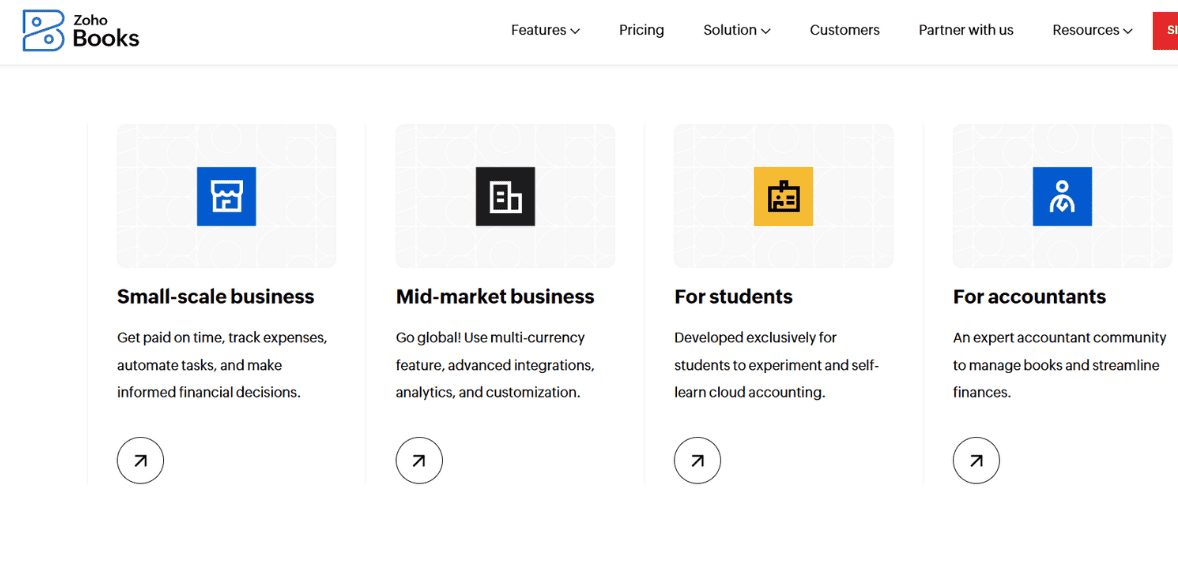
Zoho Books is a reliable accounting solution for freelancers, startups, and small to medium-sized businesses, offering affordability with robust functionality. It covers essentials like invoicing, expense tracking, tax compliance, and automation, while integrating seamlessly with other Zoho apps for added value. Service-based businesses benefit from project billing and time tracking, and global companies gain from multi-currency support. While it may not suit large enterprises with complex needs, it excels as a cost-effective tool for growing businesses. Combining ease of use, strong features, and integration, Zoho Books helps organizations manage finances efficiently without overspending, making it a standout competitor.
FAQs
Q1. Is Zoho Books suitable for freelancers as well as larger businesses?
Yes, Zoho Books is versatile. Freelancers can use it for simple invoicing and expense tracking, while larger businesses benefit from advanced automation, multi-user access, and integrations.
Q2. How does Zoho Books compare with QuickBooks or Xero?
Zoho Books is often more affordable and integrates deeply with the Zoho ecosystem. QuickBooks and Xero may offer broader accountant familiarity and third-party integrations, but Zoho is strong on value and usability.
Q3. Can Zoho Books handle compliance for international businesses?
Yes, it supports multiple currencies, tax structures like VAT/GST, and is designed to assist with compliance in several regions, though availability of certain features may vary by country.